
Ragdoll Frenzy Tools Hub
Ragdoll Frenzy wiki tools hub with the controls cheatsheet and practical links that help between longer guides.
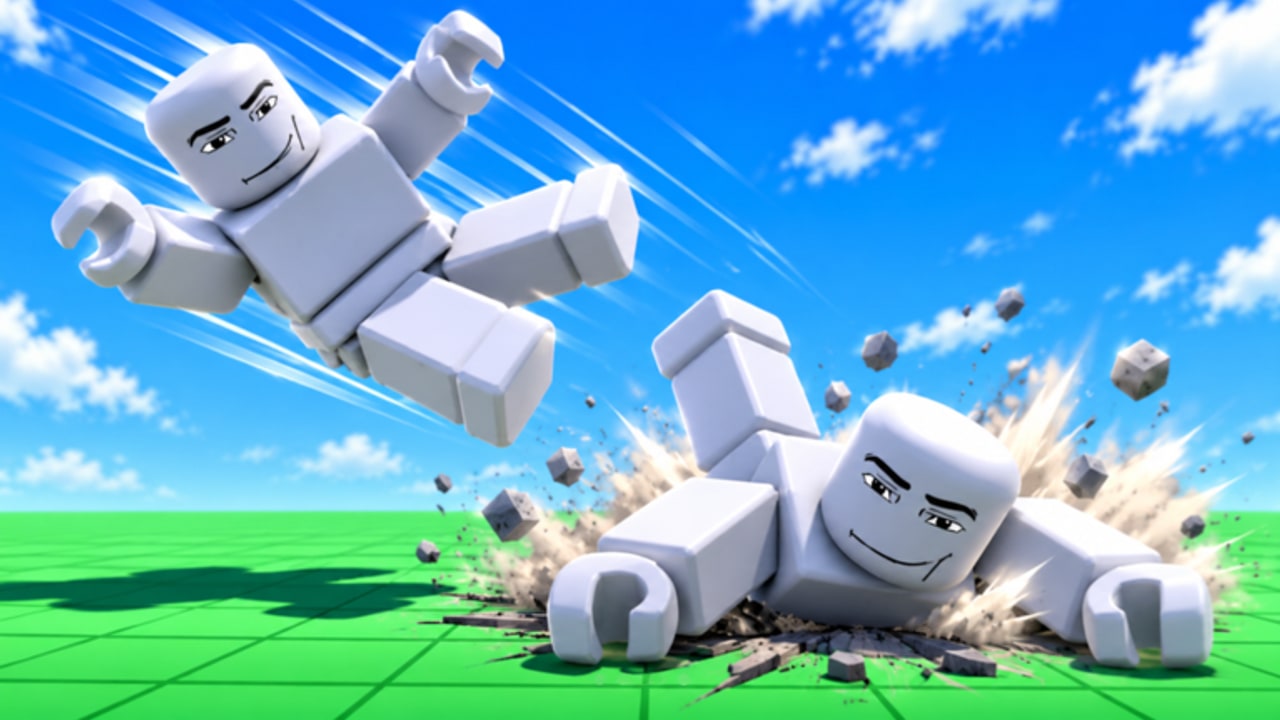
The Tools Hub collects short, practical utilities for Ragdoll Frenzy players who need answers fast. Long-form strategy lives in Guides; patch stories live in Updates; this section is for checklists, cheatsheets, and lookup pages you can keep open on a second monitor while you grab, shoot, blast, and dodge the train.
What belongs on Tools
- Control references you can scan in seconds
- Quick comparison tables that do not need a full essay
- Planner-style checklists for multiplayer film-crew sessions
- Lightweight helpers that complement—not replace—deep guides
If a topic needs history, lore, or a 600-word walkthrough, it stays in Guides. If it is a patch narrative, it stays in Updates. Tools pages should be dense and skimmable.
Start here: Controls Cheatsheet
The first utility on this hub is the Controls Cheatsheet. It summarizes common PC and mobile inputs for movement, camera, grab, weapons hotbar, slow-mo, and reset-style actions, with a clear disclaimer that binds can change after patches. Use it when you forget a key mid-session. For fuller prose and troubleshooting, continue to the Controls guide and Getting Started.
Session warm-up checklist
Before you invite friends into a 12-player lobby, run this sixty-second checklist from Tools + Guides:
- Confirm unequipped grab still responds on a nearby dummy.
- Cycle the hotbar once so guns, blasts, melee, and fire icons load.
- Find the slow-mo toggle and test it for one second.
- Note where the train path runs on your current map layout.
- Locate at least one machine (stretch / cheese pull) if you plan meme clips.
- Skim the cheatsheet if any bind feels unfamiliar after a patch.
That routine prevents the classic “we joined and nobody remembers how to grab” cold start.
How to use this hub during a session
- Open the cheatsheet before your first multiplayer lobby.
- Confirm grab and hotbar habits on a quiet dummy.
- Jump back to guides only when you want finisher theory or machine routes.
- After a major update, re-check Tools pages first—tables are faster to correct than long essays.
- Keep the Wiki overview handy if you need the full route map mid-call.
When to leave Tools and open a Guide
Stay on Tools for “what key / what button.” Switch to Guides when you need “why this setup works,” including grab-shoot-blast chains, slow-mo finishers, or train-and-machine routes. Tier lists help you pick which toy deserves practice time; Updates explain why a lobby suddenly feels different after November 2026 multiplayer changes.
Related wiki routes
- Guides Hub — deep how-tos for grab, blast, slow-mo, trains, and machines
- Tier List Hub — which toys punch above their weight
- Updates Hub — what changed in shared servers
- Players Hub — JustEvolve creator context
- Wiki overview — full site map
Contributing mindset
When we add new utilities, they should earn their place: clear title, scannable layout, locale-agnostic trailing-slash links, and no fake claims. A good tool page saves a player thirty seconds of HUD hunting. A bad one duplicates a guide without the detail.
Keep this hub bookmarked if you main Ragdoll Frenzy with friends. Chaos is better when everyone remembers how to grab.
Frequently Asked Questions
Quick answers players ask about Ragdoll Frenzy every day.
What is the Tools Hub for?
Short utilities and cheatsheets—especially controls—so you can look things up quickly without rereading a full guide.
Where is the controls reference?
Open the Controls Cheatsheet under this hub. For longer explanations, use the Controls guide in the Guides section.
Do tool pages replace Getting Started?
No. Getting Started teaches the first session. Tools pages are quick references you keep nearby while playing.