
Ragdoll Frenzy Controls
Practical PC and mobile input guidance for grab, shoot, blast, reset, and slow motion—always verify prompts in your live session.
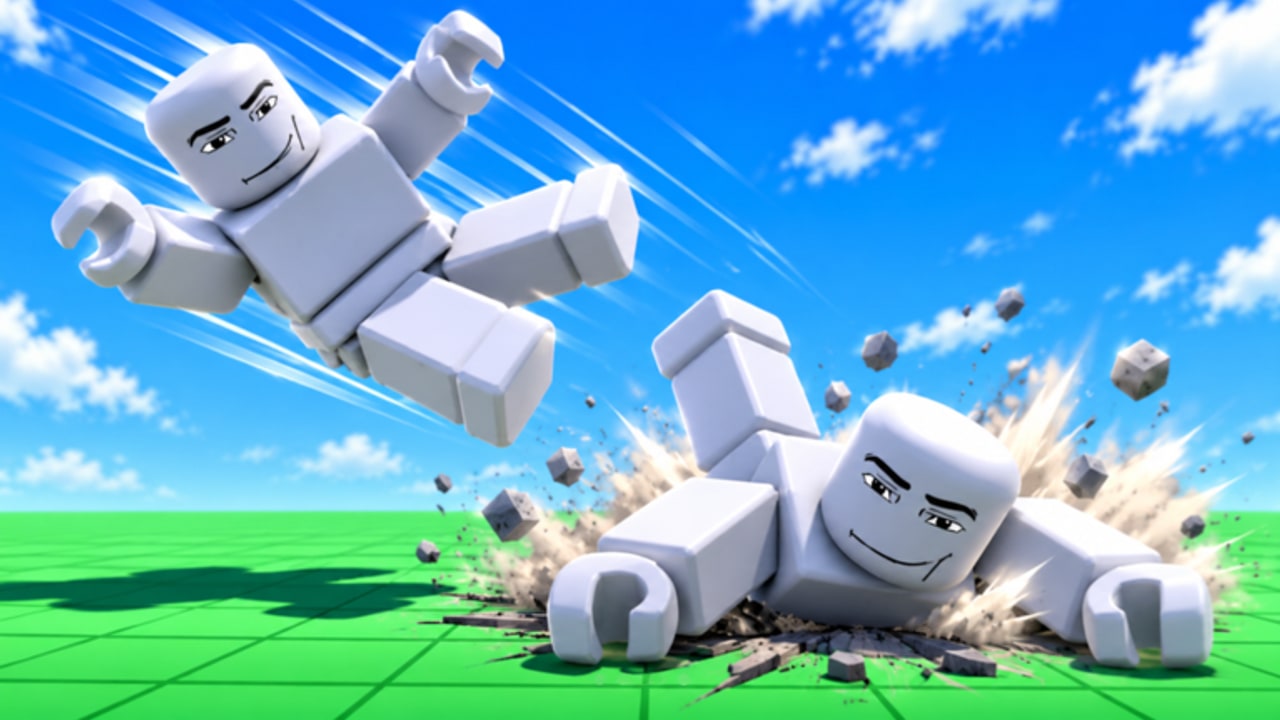
Controls decide whether Ragdoll Frenzy feels like directed chaos or accidental flailing. This page explains typical PC and mobile patterns for JustEvolve’s physics sandbox without pretending every bind is frozen forever. Roblox experiences update UI, remapping, and platform overlays. Treat in-game prompts as the source of truth, then use this guide as a training plan. Pair it with the printable mindset of the controls cheatsheet and the onboarding flow in Getting Started.
Ragdoll Frenzy launched on 3 November 2026 as a realistic ragdoll physics sandbox: grab dummies, shoot and blast, ride slow-mo, dodge the train, and stage finishers. Server size is twelve. Mild blood (often purple) appears during heavy impacts. None of that matters if you cannot reliably grab or reset when a stunt fails.
Core verbs every platform shares
Regardless of device, you will repeatedly need five verbs:
- Move and look — reach dummies, tracks, and machines without walking into hazards.
- Grab / interact — attach to a dummy or prop when unequipped or when the grab tool is active.
- Select weapons / tools — open a menu or hotbar, then equip something that shoots or blasts.
- Fire / use — click, tap, or trigger the equipped tool.
- Reset / respawn and slow-mo toggle — recover from bad physics and stretch time for finishers or train escapes.
If any verb feels missing, stop spraying inputs. Unequip, check the HUD, and re-read prompts. Many “broken grab” reports are just a weapon still equipped.
PC guidance (keyboard and mouse)
On PC, expect standard Roblox movement with WASD, jump on Space, and camera look with the mouse. Grab and interact commonly map to a left click or a dedicated key when you face a dummy with no conflicting tool equipped. Weapon fire usually stays on left click once a tool is active. Right click may aim, alternate fire, or do nothing—test in a clear lane.
Open the tool or inventory UI with the key Roblox shows for that experience (often a number row, backtick, or on-screen button). Reset is frequently a character menu action or a dedicated respawn control rather than a combat key. Slow-mo, when present as a toggle, may sit on a letter key, a toolbar button, or a contextual prompt. Because patches move these binds, do this calibration every session:
- Spawn in an empty pocket of the map.
- Confirm movement and camera sensitivity.
- Face a dummy with tools unequipped and attempt grab.
- Equip one weapon and fire once into open space.
- Locate reset and use it once on purpose.
- Toggle slow-mo on and off while standing still, then while moving.
If a bind fails, check Roblox escape-menu keybinds and any experience-specific settings before assuming a bug. Write your working layout in a note so you are not relearning mid-clip.
Mobile guidance (touch)
Mobile players rely on a left joystick for movement, drag gestures for camera, and contextual buttons for jump, grab, tools, and special toggles. Grab typically appears as a tap prompt when you aim the reticle or face a dummy closely. Weapons open from a toolbar or backpack icon; firing is usually a right-side tap or hold.
Touch accuracy drops when your thumbs cover half the screen. Shrink UI scale if Roblox allows it, stand still when opening menus, and avoid grabbing while sprinting into a crowd. For slow-mo, look for a labeled button rather than a hidden gesture. Reset from the Roblox character menu if no in-world button is visible.
Practice drills on mobile:
- Walk a square around a dummy without grabbing.
- Stop, grab, drag two meters, release.
- Equip a tool, fire once, unequip, grab again.
- Toggle slow-mo only after a successful grab so you can feel the timing change.
These drills prevent the classic mobile failure mode: accidental fire while trying to grab.
Honest limits: binds can and do vary
This wiki will not invent a fake absolute keymap. Ragdoll Frenzy is actively updated—see Updates and the Multiplayer Update notes—and Roblox itself differs across PC, mobile, tablet, and console shells. Console players should expect face-button interact and trigger fire patterns similar to other Roblox sandboxes, but still verify prompts.
When a creator video shows a different key, believe your client first. Community clips optimize for entertainment, not documentation. If your grab key changed after a patch, update your personal note and keep playing; the verbs stay the same even when letters move.
Control goals tied to real mechanics
Controls only matter relative to what you are trying to do:
- Clean grabs — unequip, face the dummy, commit to one input, hold until attachment feels solid. Deep technique: Grab, Shoot, and Blast.
- Readable finishers — toggle slow-mo after you already have position, not before you can walk. Deep technique: Slow-Mo Finishers.
- Train survival — keep a free movement hand so you can strafe off rails the moment audio cues hit. Deep technique: Train and Machines.
- Loadout experiments — swap tools deliberately, then rank favorites on the weapons tier list and the broader Tier List Hub.
Troubleshooting common input problems
Grab does nothing. Unequip weapons, step closer, center the dummy, and try again. Reset if your avatar is stuck in a half-ragdoll pose.
I fire when I meant to grab. On PC, check which tool is equipped. On mobile, separate the grab button from the fire button with a slower thumb path.
Slow-mo feels useless. You are probably enabling it without a plan. Stand still, toggle once, walk ten steps, toggle off. Then combine it with a single grab.
I cannot escape the train. Your camera is likely locked on a finisher. Break camera follow, strafe perpendicular to the tracks, and reset if physics has already claimed you.
Menus eat my clicks. Close backpack and chat before combat. Physics games punish UI focus more than story games do.
Session routine that builds muscle memory
Spend five minutes at the start of every play session on inputs alone. No train dares, no multiplayer contests. Complete one grab drill, one weapon fire, one reset, and one slow-mo toggle. Then join the social chaos. That routine sounds boring until it saves a twelve-player lobby clip.
When you want free rewards that might add tools or cosmetics, visit Codes. For creator context and community figures, browse Players. For the whole site map, open the Wiki overview. Scripts discussion belongs on the Scripts Hub—never paste unknown executors while learning basic controls.
Master the five verbs, respect platform differences, and keep verifying live prompts. With that discipline, every other Ragdoll Frenzy guide on this wiki becomes easier to execute.
Frequently Asked Questions
Quick answers players ask about Ragdoll Frenzy every day.
What are the exact keybinds for Ragdoll Frenzy on PC?
Binds can change by patch and Roblox settings. Use in-game prompts as truth: typically WASD move, click to grab when unequipped or to fire when a weapon is equipped, plus UI buttons for tools, reset, and slow-mo.
How do mobile controls differ?
Mobile uses a joystick, camera drag, and on-screen buttons for grab, tools, fire, and toggles. Stop moving before opening menus so you do not mis-tap fire instead of grab.
Why can’t I grab a dummy?
Unequip weapons, face the dummy closely, and follow the prompt. If your avatar is stuck, reset or respawn, then try again in a clear area.
Where can I keep a short controls reference?
Use the controls cheatsheet tool for a compact checklist, and re-run the five-verb warm-up at the start of each session.